

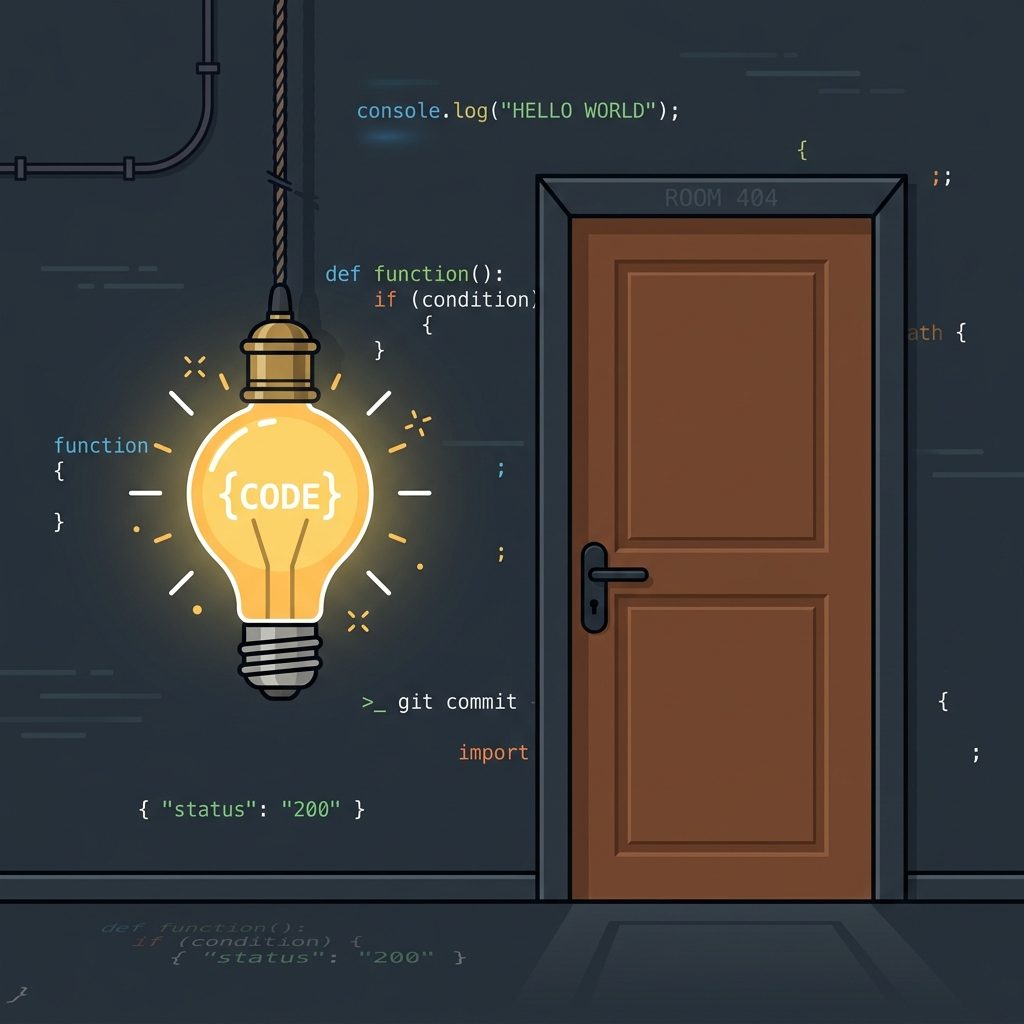
Are you looking to create a mind-bending, humorous visual effect for your website? Let’s build the famous Impossible Light Bulb using just HTML, CSS, and vanilla JavaScript! This tutorial will guide you through creating a stylish 2D light bulb, a closed door, and an animated bear that gets annoyed and turns the light off every time you turn it on.
Step 1: The HTML Structure
We’ll set up a scene containing the hanging light bulb, the door, and the bear character hidden inside the room.
<div class="scene"> <div class="bulb-wrapper"> <div class="bulb"> <div class="filaments"><span></span><span></span></div> </div> <div class="cord-container" id="switch"> <div class="cord" id="cord"></div> <div class="pull"></div> </div> </div> <!-- Inside the room (The Bear) --> <div class="room"> <div class="bear" id="bear"> <div class="ear left"></div><div class="ear right"></div> <div class="eye left"></div><div class="eye right"></div> <div class="snout"><div class="nose"></div></div> <div class="bear-arm" id="arm"> <div class="paw"></div> </div> </div> </div> <!-- The Door --> <div class="door-frame"> <div class="door" id="door"> <div class="panel"></div><div class="panel"></div> <div class="panel"></div><div class="panel"></div> <div class="knob"></div> </div> </div>
</div>
Step 2: CSS Styling and Animations
This is where we style the bear and the 3D door swing. We use perspective on the door frame and rotateY to open it. The bear and its arm are positioned off-screen and transition in using CSS classes.
body { background-color: #2b3238; margin: 0; display: flex; justify-content: center; align-items: center; height: 100vh; overflow: hidden;
}
.scene { position: relative; width: 600px; height: 400px; display: flex; align-items: flex-end; justify-content: center;
}
/* Bulb Styles */
.bulb-wrapper { position: absolute; left: 160px; top: 50px; display: flex; flex-direction: column; align-items: center; z-index: 20; }
.bulb { width: 80px; height: 80px; border-radius: 50%; border: 3px solid #8e959b; position: relative; display: flex; justify-content: center; transition: all 0.3s ease; }
.bulb::after { content: ''; position: absolute; bottom: -25px; width: 45px; height: 30px; border: 3px solid #8e959b; border-top: none; border-radius: 0 0 10px 10px; background: #6a7177; z-index: 2; }
.filaments { position: absolute; bottom: -10px; display: flex; gap: 10px; z-index: 1; }
.filaments span { width: 3px; height: 25px; background-color: #555c62; }
/* Cord */
.cord-container { position: relative; margin-top: 25px; display: flex; flex-direction: column; align-items: center; cursor: pointer; }
.cord { width: 3px; height: 80px; background-color: #8e959b; transition: height 0.1s; }
.cord.pulled { height: 110px; }
.pull { width: 12px; height: 12px; border-radius: 50%; background-color: #8e959b; transition: transform 0.1s; }
.cord.pulled + .pull { transform: translateY(30px); }
/* Active State (Light On) */
body.is-on .bulb { background: rgba(255, 245, 150, 0.9); border-color: #ffe873; box-shadow: 0 0 40px rgba(255, 220, 50, 0.6); }
body.is-on .bulb::after { background: #858b90; border-color: #ffe873; }
body.is-on .filaments span { background-color: #ffe873; box-shadow: 0 0 5px #fff; }
/* Door and Room */
.room { position: absolute; right: 50px; bottom: 0; width: 160px; height: 320px; background-color: #111; z-index: 5; border-top: 4px solid #1a1a1a; border-right: 4px solid #1a1a1a;
}
.door-frame { position: absolute; right: 50px; bottom: 0; width: 160px; height: 320px; z-index: 10; perspective: 1200px; }
.door { position: absolute; top: 0; left: 0; width: 100%; height: 100%; background-color: #43362a; border: 4px solid #33271d; border-bottom: none; transform-origin: left center; transition: transform 0.6s cubic-bezier(0.4, 0, 0.2, 1); transform-style: preserve-3d;
}
.door.open { transform: rotateY(-105deg); }
/* The Bear */
.bear { position: absolute; bottom: 20px; right: -120px; /* Hidden offscreen */ width: 110px; height: 180px; background: #4a3219; border-radius: 55px 55px 0 0; transition: right 0.5s ease-out; z-index: 6;
}
.bear.peek { right: 20px; }
/* Bear Face Components */
.ear { position: absolute; top: -15px; width: 35px; height: 35px; background: #4a3219; border-radius: 50%; }
.ear.left { left: -5px; } .ear.right { right: -5px; }
.eye { position: absolute; top: 50px; width: 12px; height: 12px; background: #000; border-radius: 50%; }
.eye.left { left: 25px; } .eye.right { right: 73px; }
.snout { position: absolute; top: 70px; left: 35px; width: 40px; height: 30px; background: #d4b492; border-radius: 40%; display: flex; justify-content: center; }
.nose { margin-top: 5px; width: 15px; height: 10px; background: #000; border-radius: 50%; }
/* The Bear Arm */
.bear-arm { position: absolute; top: 120px; left: 10px; width: 0px; height: 30px; background: #4a3219; border-radius: 15px 0 0 15px; transition: all 0.3s ease; transform-origin: right center; z-index: 7;
}
.bear-arm.reach { left: -150px; width: 160px; }
.paw { position: absolute; left: -15px; top: -5px; width: 40px; height: 40px; background: #4a3219; border-radius: 50%; opacity: 0; transition: opacity 0.1s; }
.bear-arm.reach .paw { opacity: 1; transition-delay: 0.2s; }
Step 3: JavaScript Interactivity (The Bear Logic)
Here we write a sequence of setTimeout functions. When the user pulls the cord, the light turns on. One second later, the bear opens the door, reaches out, turns the light off, and retreats.
const switchBtn = document.getElementById('switch');
const cord = document.getElementById('cord');
const body = document.body;
const door = document.getElementById('door');
const bear = document.getElementById('bear');
const arm = document.getElementById('arm');
let isOn = false;
let isAnimating = false;
// Trigger the pull animation
function pullCord() { cord.classList.add('pulled'); setTimeout(() => cord.classList.remove('pulled'), 150); isOn = !isOn; if(isOn) { body.classList.add('is-on'); scheduleBearIntervention(); } else { body.classList.remove('is-on'); }
}
switchBtn.addEventListener('click', () => { // Prevent clicking while bear is doing its thing if (isAnimating || (!isOn && isAnimating)) return; pullCord();
});
function scheduleBearIntervention() { isAnimating = true; // 1. Wait 1 second, then open door setTimeout(() => { if(!isOn) return; door.classList.add('open'); // 2. Bear peeks out setTimeout(() => { bear.classList.add('peek'); // 3. Arm reaches out setTimeout(() => { arm.classList.add('reach'); // 4. Bear pulls the cord setTimeout(() => { pullCord(); // Turns light off // 5. Retract arm setTimeout(() => { arm.classList.remove('reach'); // 6. Bear goes back in setTimeout(() => { bear.classList.remove('peek'); // 7. Close door setTimeout(() => { door.classList.remove('open'); isAnimating = false; }, 600); }, 400); }, 300); }, 400); }, 600); }, 600); }, 1000);
}
Interactive Demo Video
Watch the completed animation below. Just try to keep the light on!